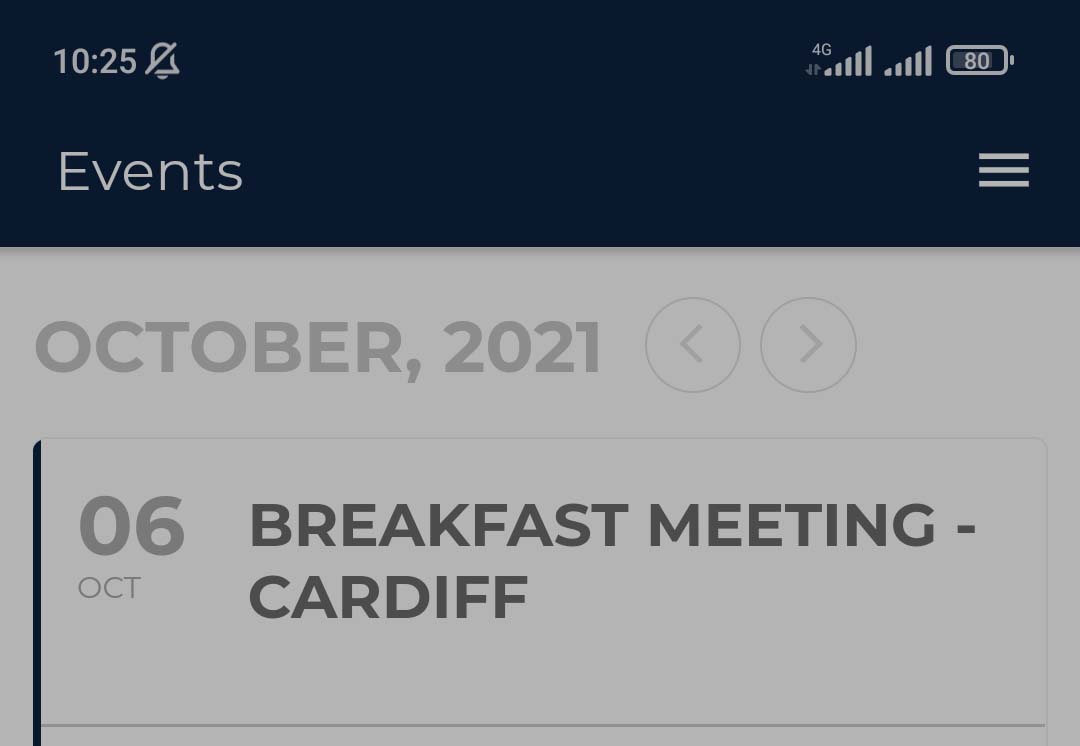
To view event details, click on any of the tabs:
This will display a drop down with the information for the event.
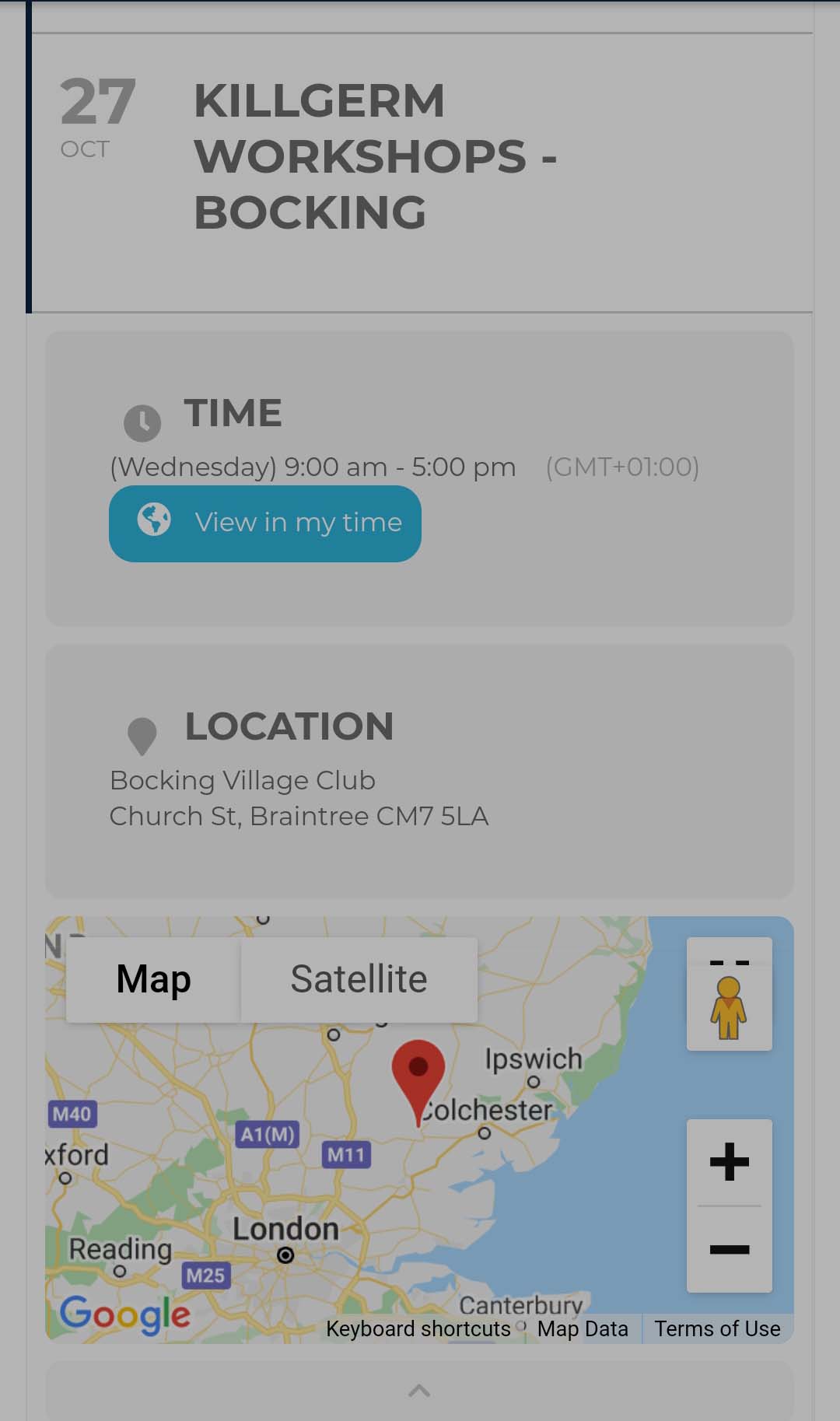
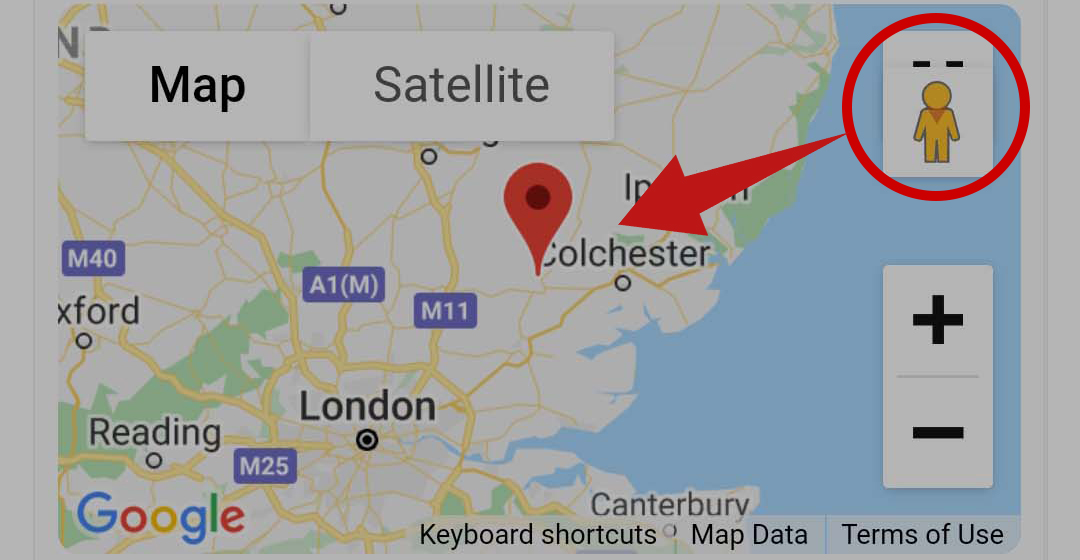
The maps can be changed to satellite view:
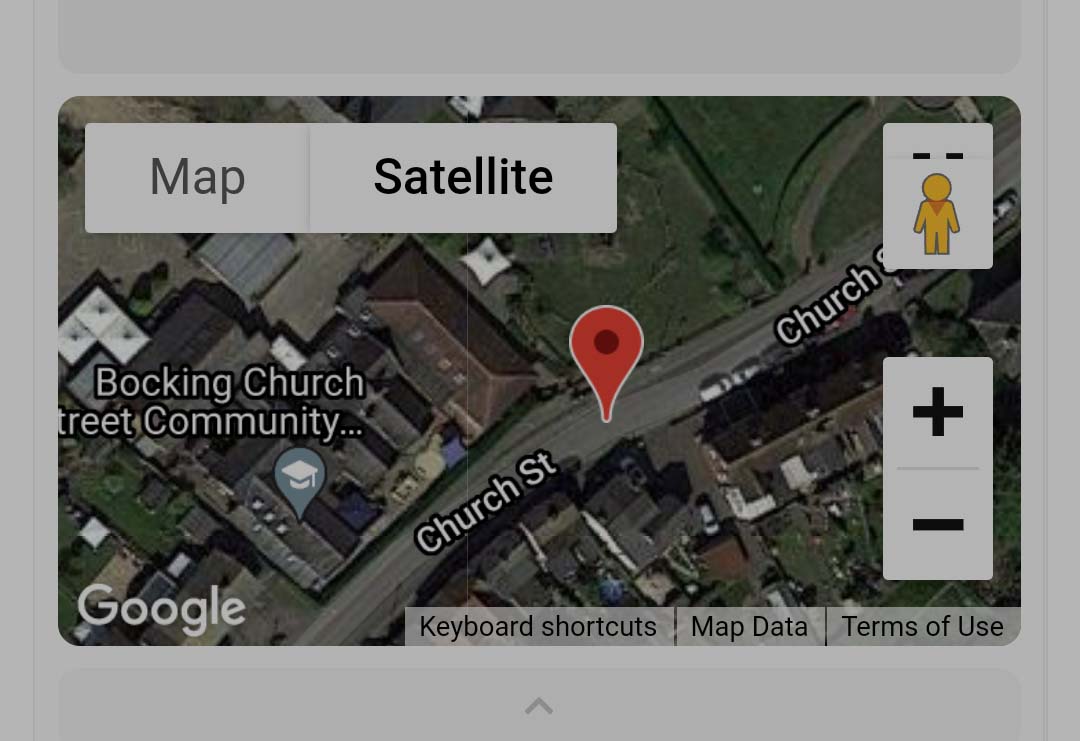
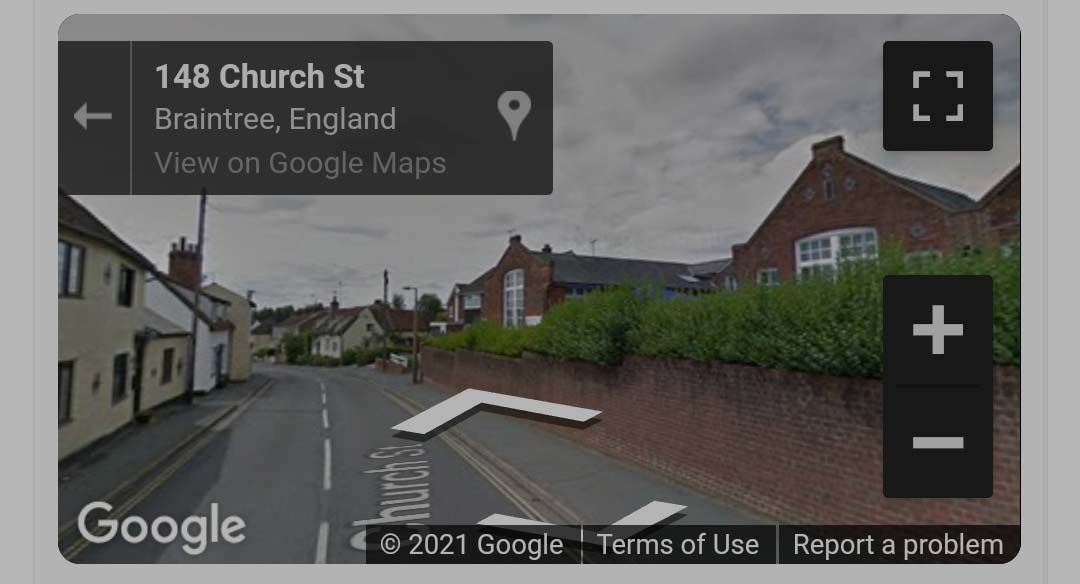
Or street view (using the icon on the top right, drag and drop on the preferred map location).
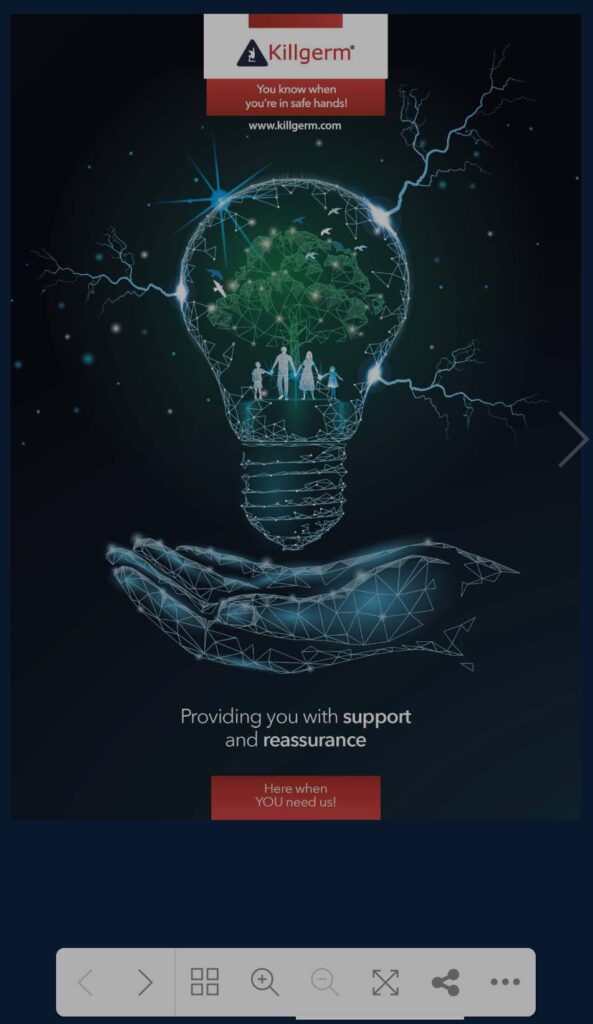

- Navigate through the catalogue pages
- Display all pages (Vertical view)
- Zoom in and out of the PDF
- Full screen mode
- Share
- Extra options
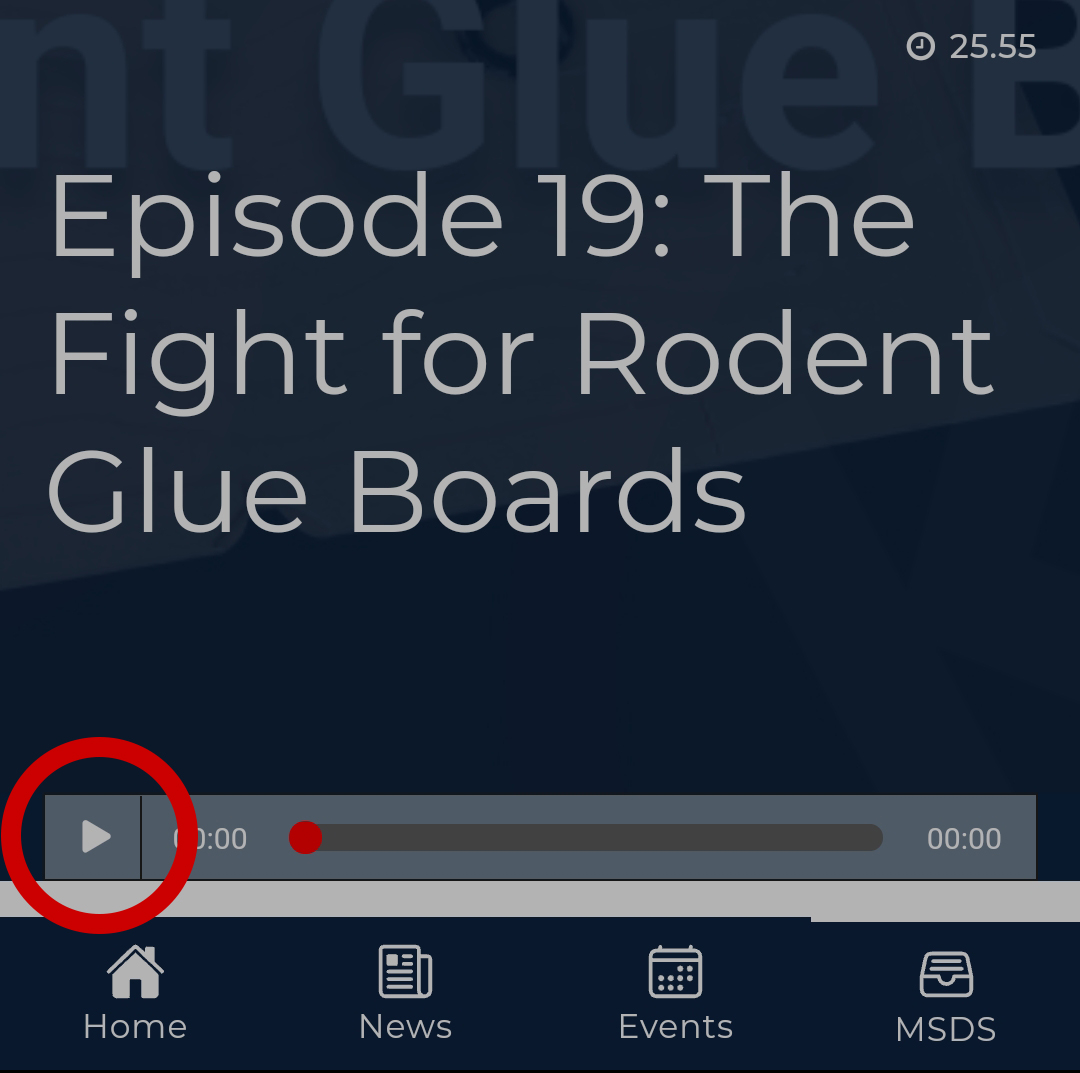
1. Click on a podcast or “Play Episode”.
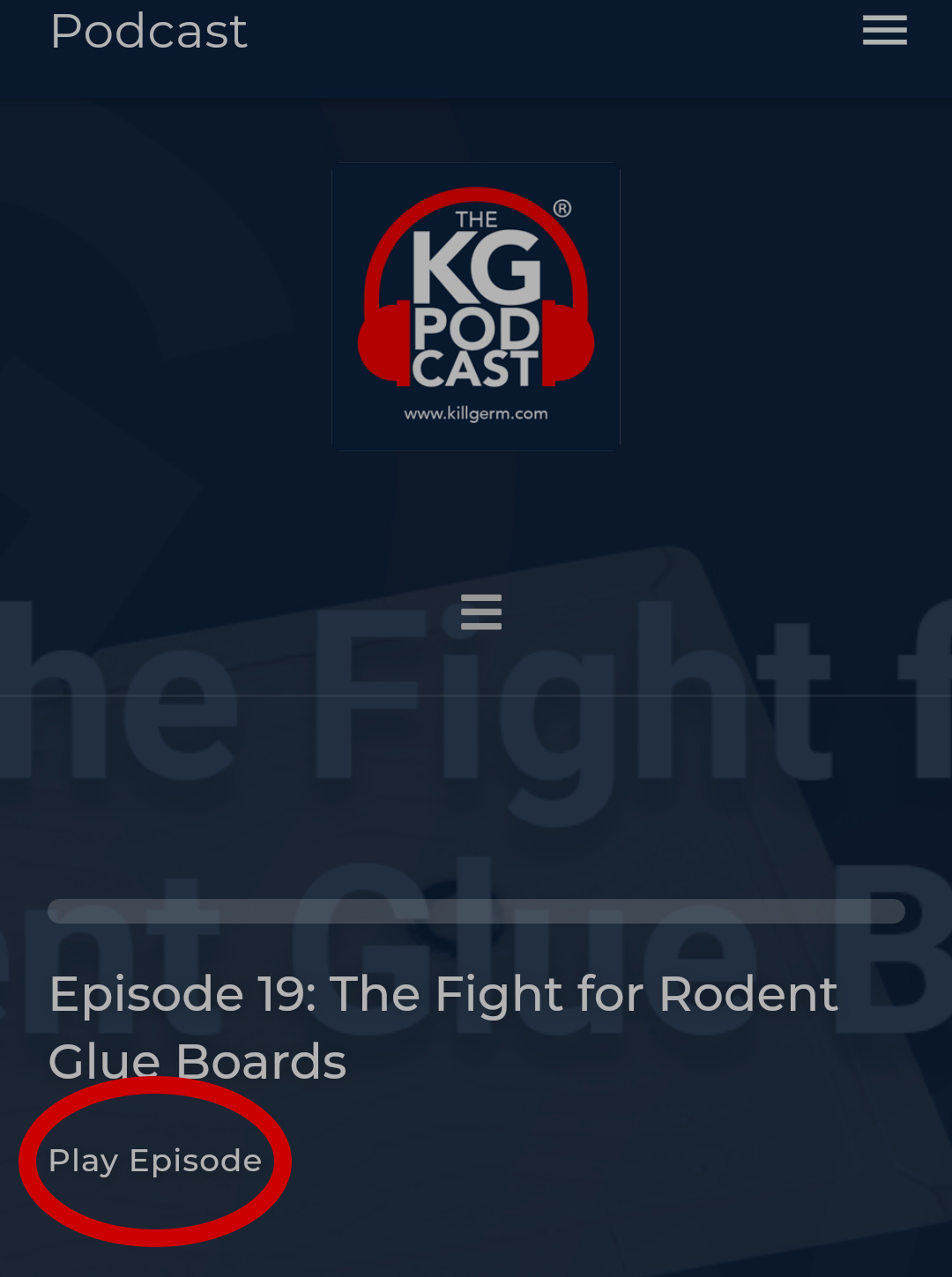
2. On the episode page, click the play button.
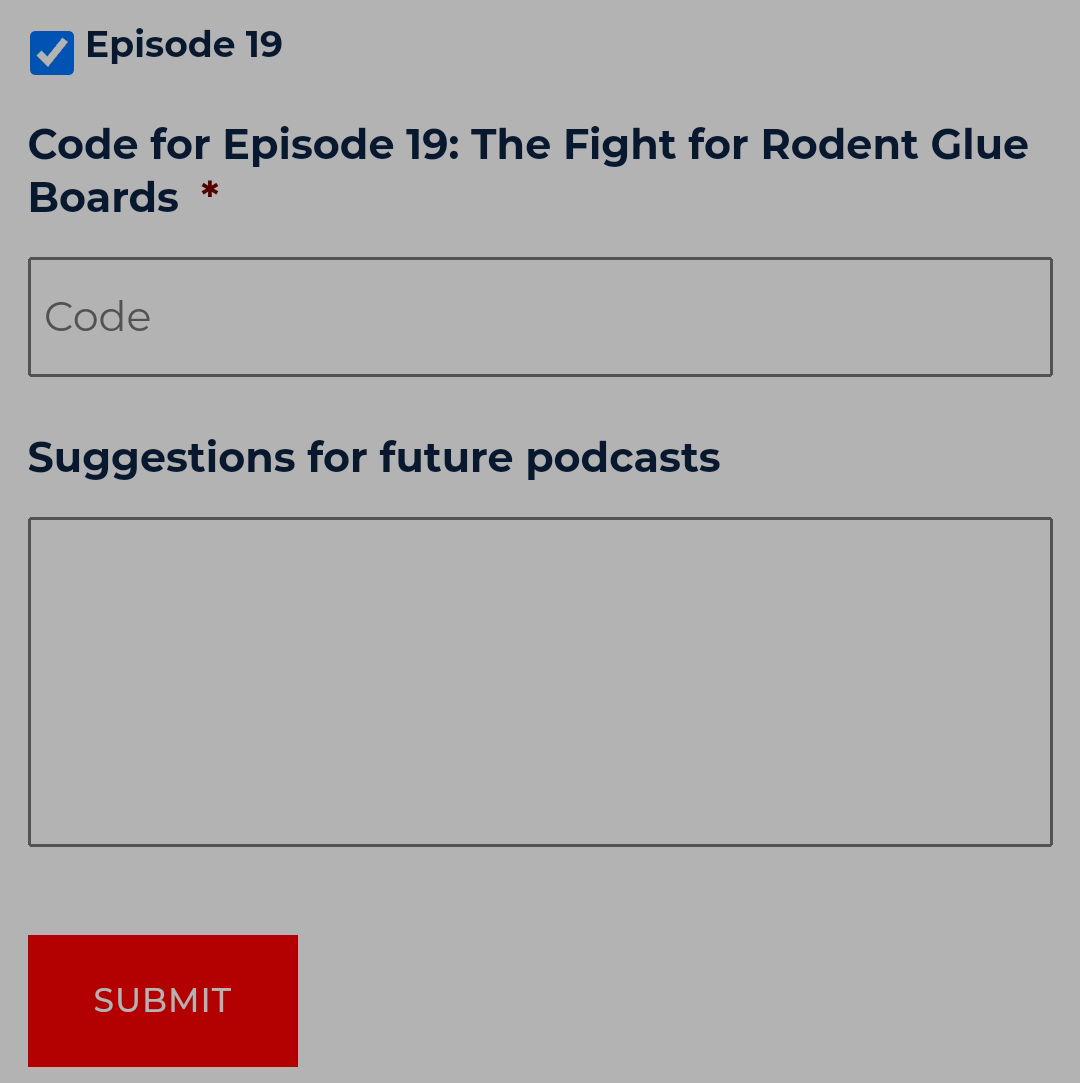
3. To claim CPD points, on the home page fill in the required fields, account number and check any of the episodes you would like to claim for.
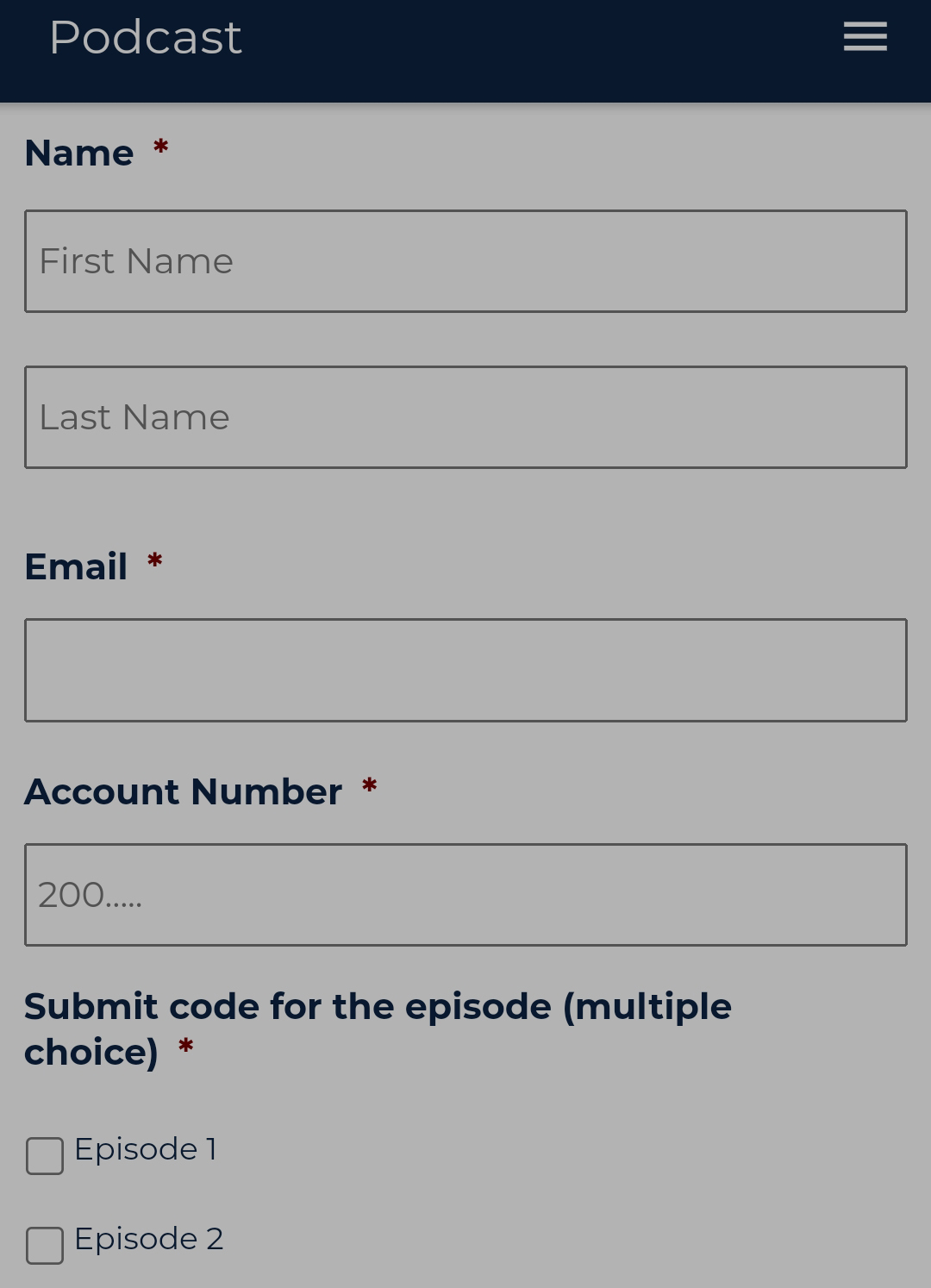
4. Enter the codes for the episode(s) checked and any other suggestions you may have for future podcasts and click “Submit”.